Home-care team
Follow onboarding, staffing, follow-up, and payroll preparation using fictional records.
Try the team walkthrough → ReNewTechSOLUTIONS
Client Login
ReNewTechSOLUTIONS
Client Login
See the work, understand the limits
Start with a public simulation. For a closer look at connected behavior, request an invited walkthrough of the separate protected beta.
Try without an account
Scripted examples prepare outputs in your browser. They do not contact customers, update business accounts, or make payments.
Follow onboarding, staffing, follow-up, and payroll preparation using fictional records.
Try the team walkthrough →Capture inquiries and prepare the next step.
Try Ava’s demonstration →Review urgency, staffing context, and recommended handoffs.
Try Logan’s demonstration →Prepare referral intake and client follow-up drafts for review.
Try Meera’s demonstration →Prepare a training-support ticket and a technical escalation for review.
Try Mika’s demonstration →Organize requirements, missing information, and coordinator tasks.
Try Mateo’s demonstration →Summarize exceptions and next actions for the owner.
Try Nia’s demonstration →Read the full capability status before evaluating the beta →
Explore model-backed requests and shared records with a presenter. Access is protected, data is fictional, and delivery is restricted to approved test recipients.
Already invited? Use your existing access at the demo. Request access from ReNewTech if you do not have an invitation.
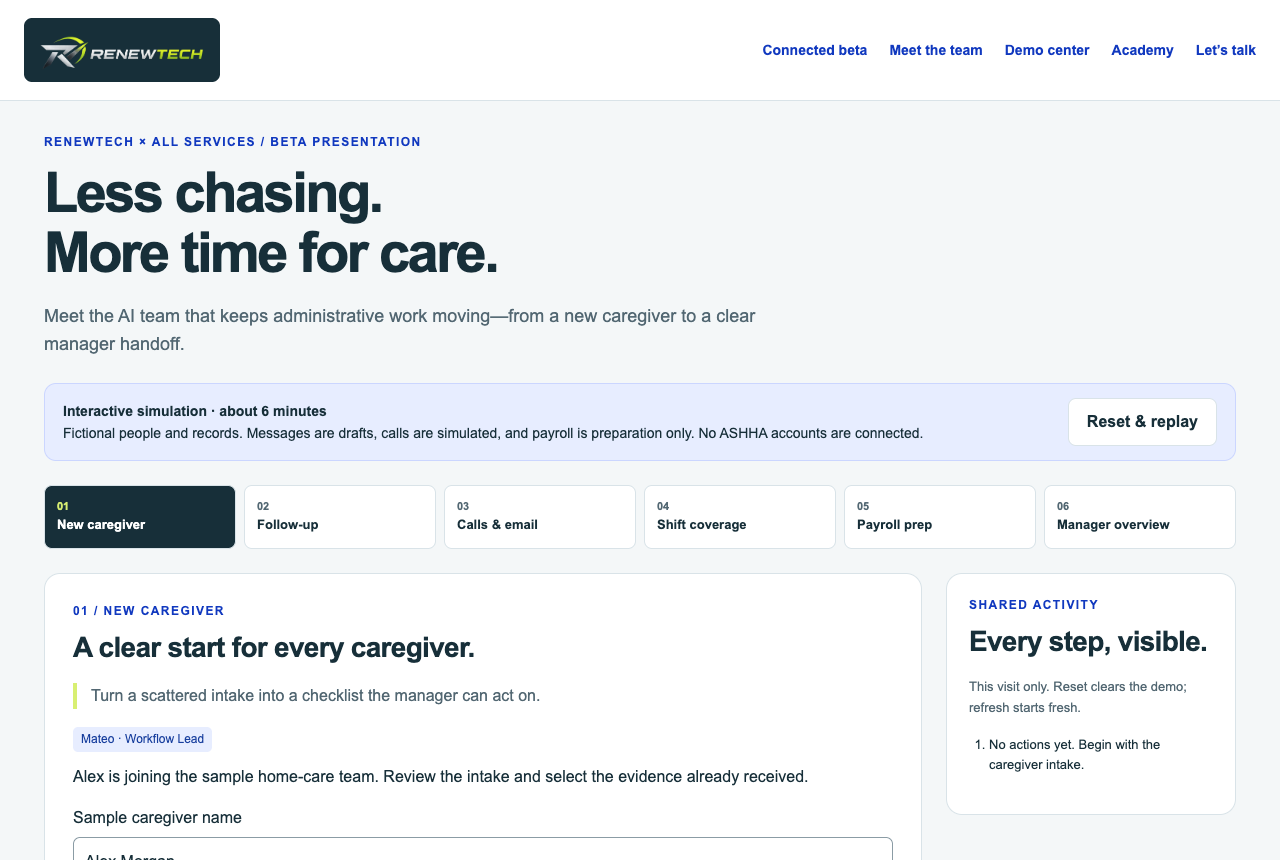
Product view from the public simulation · Not a live customer workspace
Let’s talk
Tell us where your team gets stuck. We’ll map a practical starting point and show you what is possible.
EXPLORE A DEPARTMENT

A caller asks about availability. Capture the request and prepare the details for a callback.
Try the SimulationLimited connected beta; intake examples are simulated.

A sample shift needs coverage. Review availability, qualifications, and conflicting assignments.
Try the SimulationSynthetic staffing logic tested; delivery requires configuration.

Alex has two missing onboarding requirements. Identify orientation and safety training, then prepare follow-up.
Try the SimulationSynthetic onboarding workflows tested.

Taylor’s time entry is missing a clock-out. Keep it out of the prepared total until a manager reviews the correction.
Try the SimulationSynthetic payroll preparation tested; no payments or tax filing.

A sample learner cannot open an orientation lesson. Draft a support ticket with the lesson, device, and error description. No client system is accessed.
Try Mika’s Example →Guided support example; no access to client training records.

An inquiry still needs a response. Prepare a follow-up draft for review without sending a message.
Try the SimulationSimulated role; external outreach requires setup and approval.
Additional demonstrations
Legacy contractor-specific simulations, preserved separately from the flagship AI Workforce examples.